
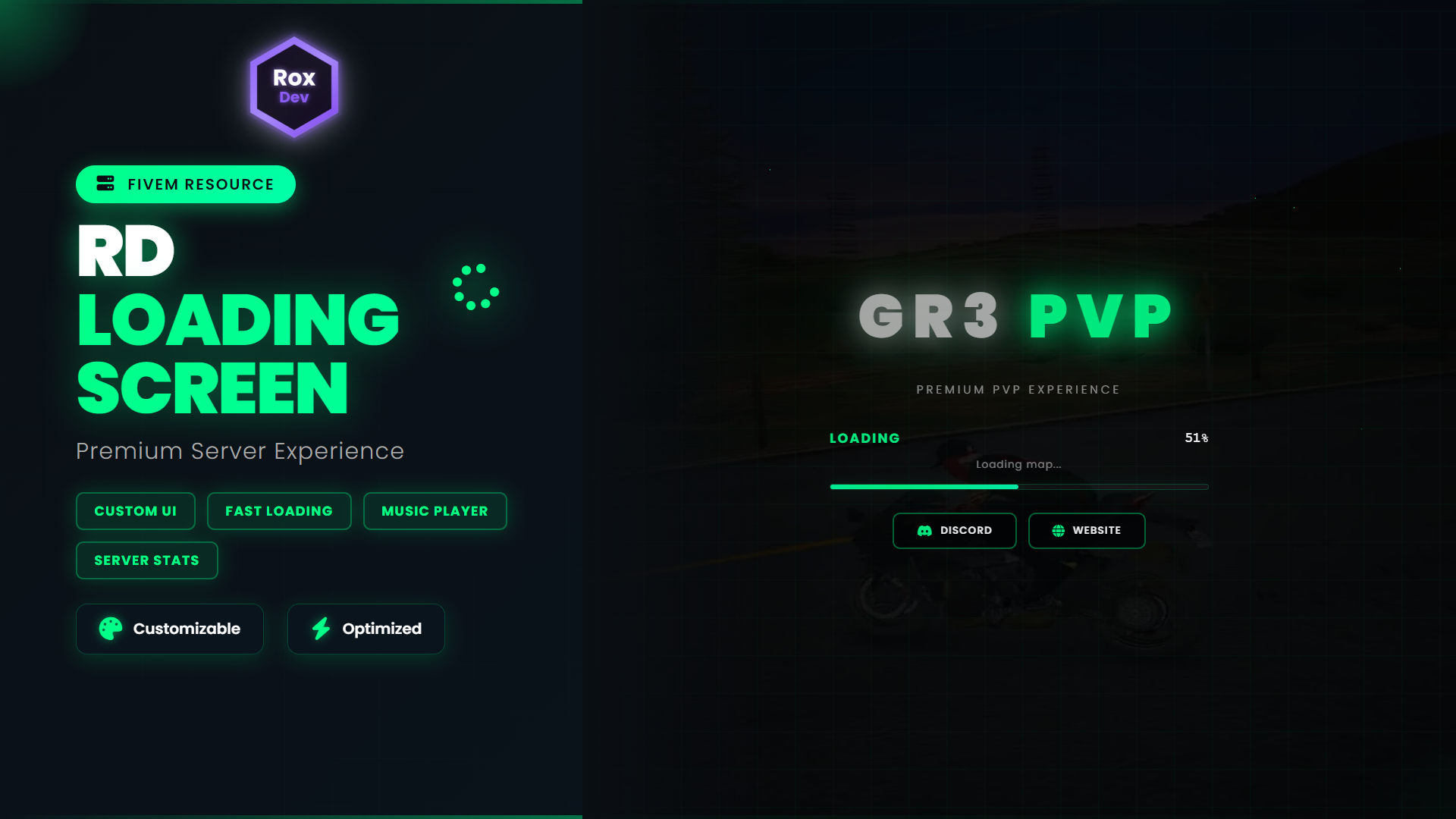
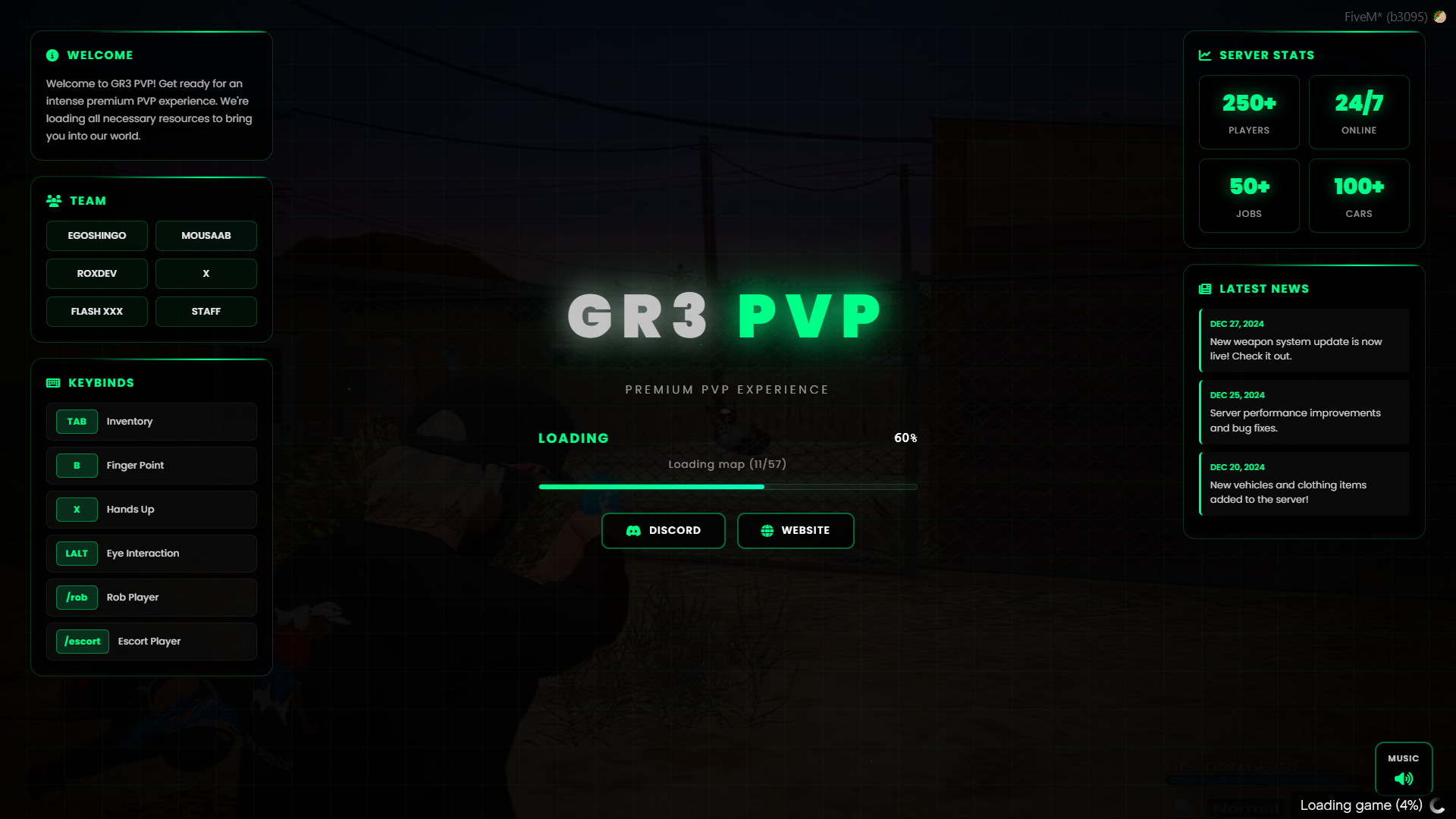
RD Loading Screen is a clean, modern, and highly customizable loading screen built for FiveM servers. It includes a stunning animated interface with news sections, keybind displays, team showcases, server statistics, and a dynamic music player all optimized for visual appeal and easy customization.
This resource is FULLY OPEN SOURCE, with all configuration done directly in the index.html file for maximum flexibility.
🎯 Features
🖥️ Modern Interface
-
Gradient-based modern UI with smooth animations
-
Animated grid background with floating particles
-
Real-time loading progress bar with status updates
-
Dynamic scanline effects on panel cards
-
Responsive hover effects and transitions
-
Video background support with fallback image
📰 Content Sections (6 Customizable Panels)
-
Welcome Panel - Custom welcome message for your server
-
Team Showcase - Display your staff/development team
-
Keybinds Display - Show important server controls
-
Server Stats - Players, uptime, jobs, and vehicles count
-
Latest News - Highlight server updates and announcements
-
Music Control - Built-in background music player with toggle
🎨 Customization System
-
Theme Colors - Full RGB color customization (examples: Red, Green, Blue, Purple, Cyan, Orange)
-
Toggle Visibility - Enable/disable any section individually
-
Server Branding - Custom server name, type (PVP/RP/Custom), and tagline
-
Social Links - Discord and Website buttons with click-to-copy functionality
-
Content Management - Edit news, keybinds, team members, and stats
⚙️ Technical Features
-
Responsive to FiveM loading events (functions, data files, map loading)
-
Simulated loading progress for demo/preview mode
-
Video playback control with specific start time
-
Background music autoplay with volume control
-
Clipboard API fallback for link copying
-
Clean, organized code structure
⚙️ Configuration (FULL ACCESS)
All customization is done via the CONFIG object inside index.html, which is fully editable.
Configurable Options Include:
✅ Visual Settings:
-
Theme color (RGB values)
-
Show/hide individual sections
-
Server name and type
-
Custom welcome message
✅ Social Buttons:
-
Discord invite link
-
Website URL
-
Enable/disable buttons individually
✅ Content:
-
Server statistics (players, uptime, jobs, cars)
-
Latest news items (date + text)
-
Keybind list (key + action)
-
Team member names
✅ Media:
-
Background video file
-
Fallback background image
-
Background music file
-
Music control visibility
🔓 Everything is open source and editable!
🎬 Media Requirements
You need to provide your own media files and place them in the html/ folder:
- background.mp4 - Your background video file (rename your video to this exact name)
- background.mp3 - Your background music file (optional, rename your audio to this exact name)
Important: The files MUST be named exactly as shown above and placed in the html/ folder for the loading screen to work properly.
📦 What You're Getting
-
✅ Modern animated loading screen
-
✅ Fully open source code
-
✅ Easy configuration via HTML file
-
✅ 6 customizable content panels
-
✅ Theme color system
-
✅ Music player with controls
-
✅ Social media buttons
-
✅ Responsive loading progress
-
✅ All animations and effects included
-
✅ Clean, commented code
⚙️ Installation
-
Extract the
qb-loadingfolder into your server'sresourcesdirectory -
Open
html/index.htmland find the CONFIG object (around line 690) -
Edit all values to match your server:
-
Server name, type, and welcome message
-
Theme color (RGB values)
-
Discord/Website links
-
News, keybinds, team members, and stats
-
-
Add your media files to the
html/folder:-
background.mp4(video) -
background.mp3(music)
-
-
Add
ensure qb-loadingto yourserver.cfg -
Restart your server
⏱ Setup time: Under 10 minutes
🎨 Customization Example
// Find this in index.html around line 690
const CONFIG = {
    themeColor: 'rgb(255, 68, 68)', // Red theme
    serverName: 'YOUR SERVER',
    serverType: 'PVP', // or 'RP', 'BETA', etc.
    welcomeMessage: 'Welcome to the best FiveM experience!',

    discord: {
        enabled: true,
        link: 'https://discord.gg/your-invite'
    },

    news: [
        { date: 'DEC 27, 2024', text: 'Server launch!' }
    ],

    // ... and much more!
};
💡 Why Choose RD Loading Screen?
✅ No Escrow - Full source code access
✅ Easy Configuration - Everything in one file
✅ Modern Design - Professional animations
✅ Fully Customizable - Colors, content, visibility
✅ Performance Optimized - Smooth animations
✅ Well Documented - Comments in code
Developed by RoxDev © 2025 – All rights reserved