
📋 Overview
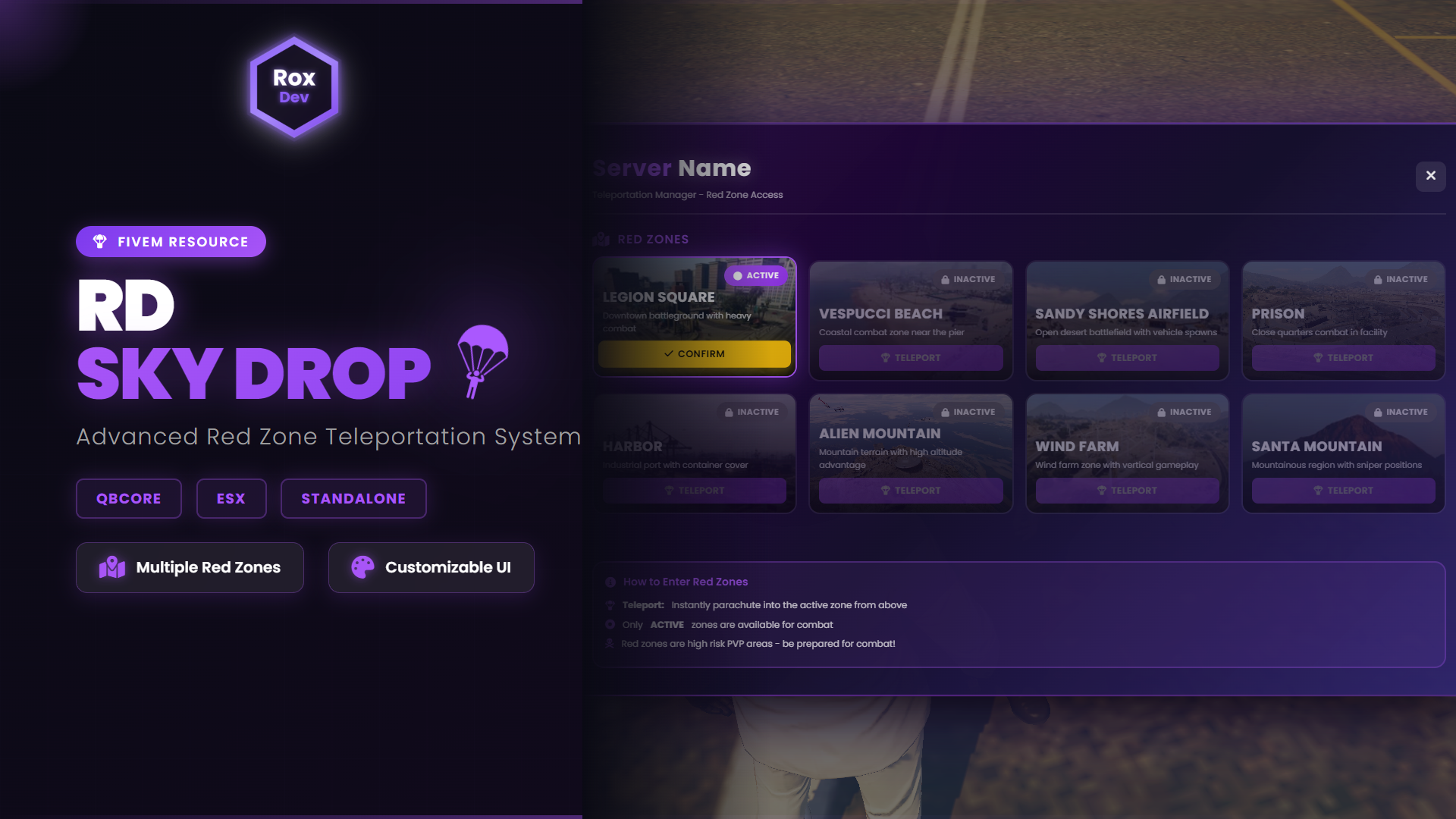
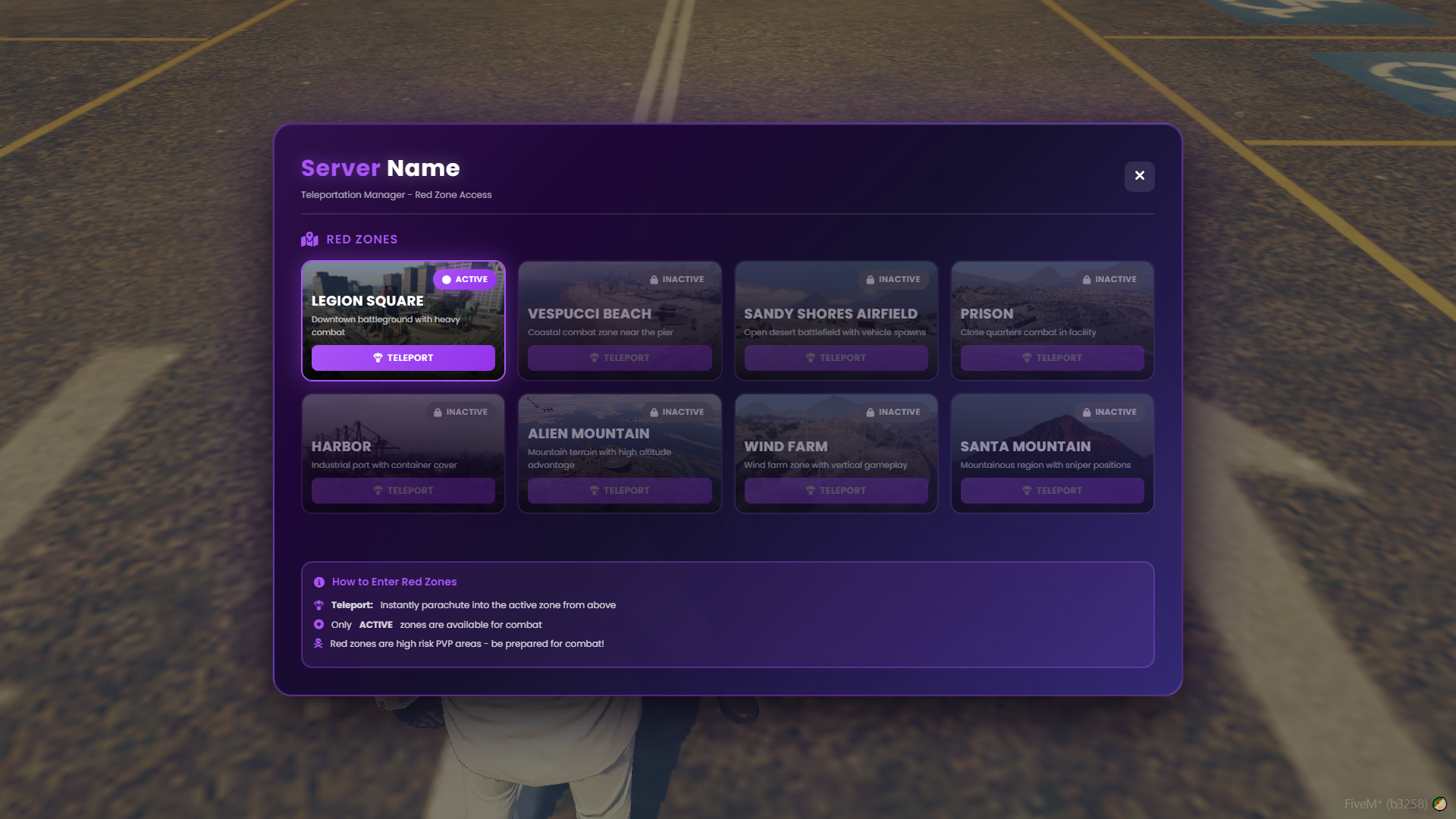
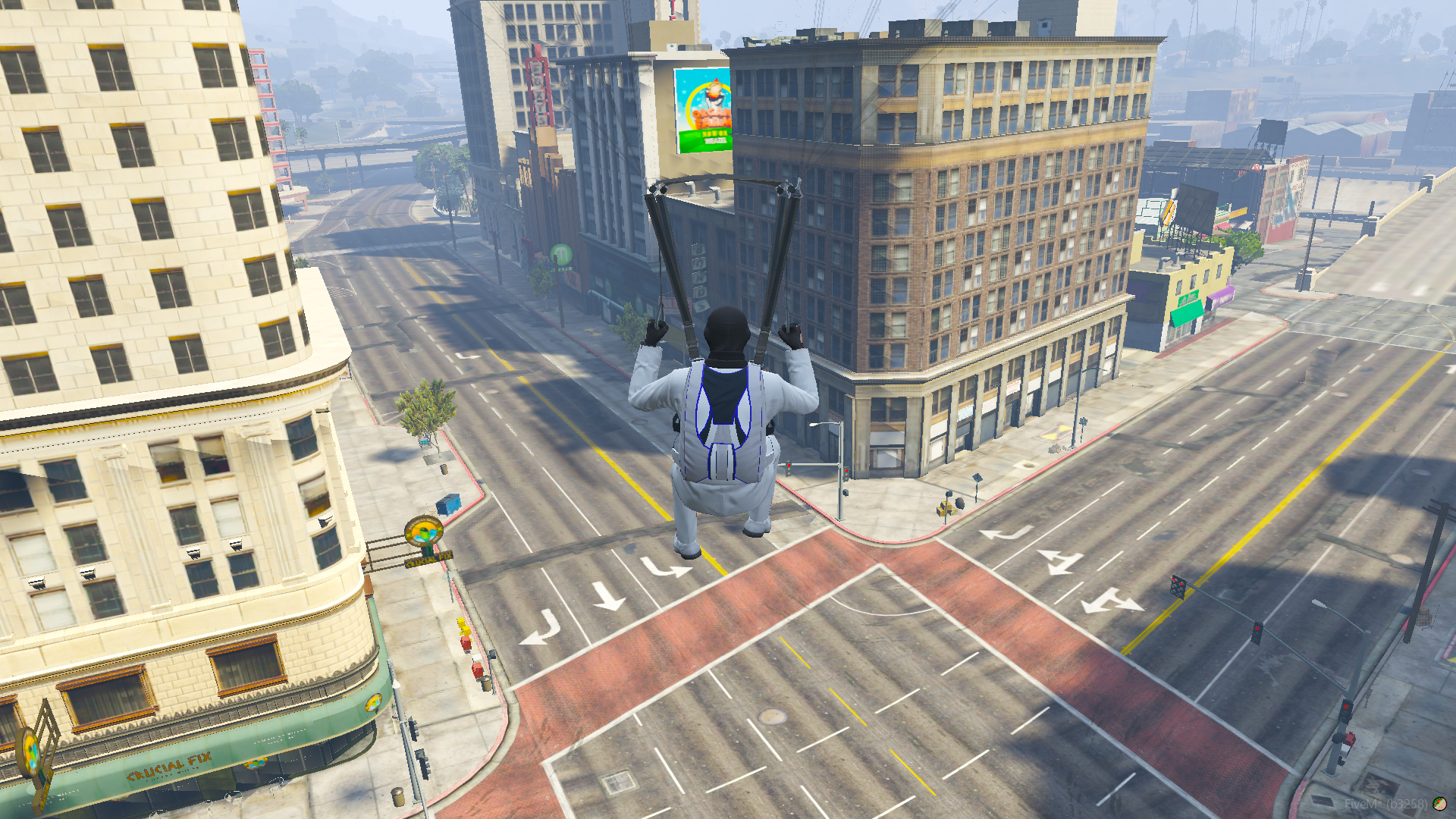
RD SkyDrop is a red zone teleportation system featuring NPC-based zone selection, aerial parachute deployment, and a modern purple-themed UI. Players interact with a dedicated NPC to browse available combat zones, confirm their drop location, and parachute directly into high-intensity PVP areas.
Designed for immersion, performance, and easy configuration — without exposing core logic.
✨ Key Features
🎯 Multiple Red Zone System
- 8+ pre-configured red zones
- Active / inactive zone system
- Custom zone names, descriptions, and images
- Configurable parachute drop height per zone
- Adjustable zone radius and blips
- Easy zone management via configuration
🤖 NPC Interaction System
- Dedicated teleporter NPC
- 3D interaction prompt
- Configurable NPC model and spawn location
- Optional map blip
- Smooth interaction detection
🪂 Parachute Drop Mechanics
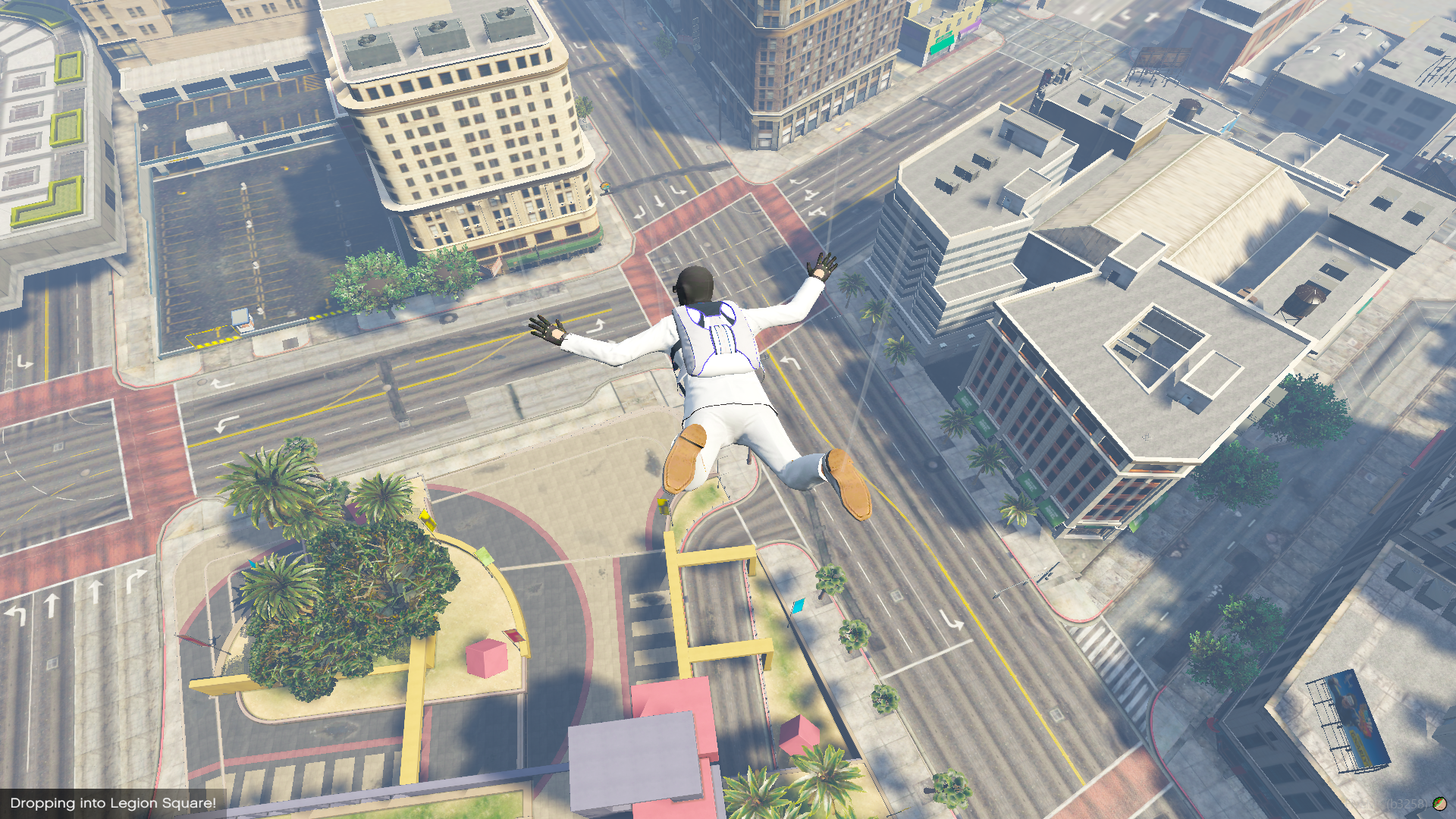
- Automatic parachute deployment
- Battle royale–style aerial insertion
- Smooth teleportation with fade effects
- Zone-based drop height
- Instant combat readiness
🎨 Modern Purple UI
- Clean and professional design
- Smooth fade-in / fade-out animations
- Dark gradient & glass-morphism style
- Active / inactive zone indicators
- High-quality zone preview images
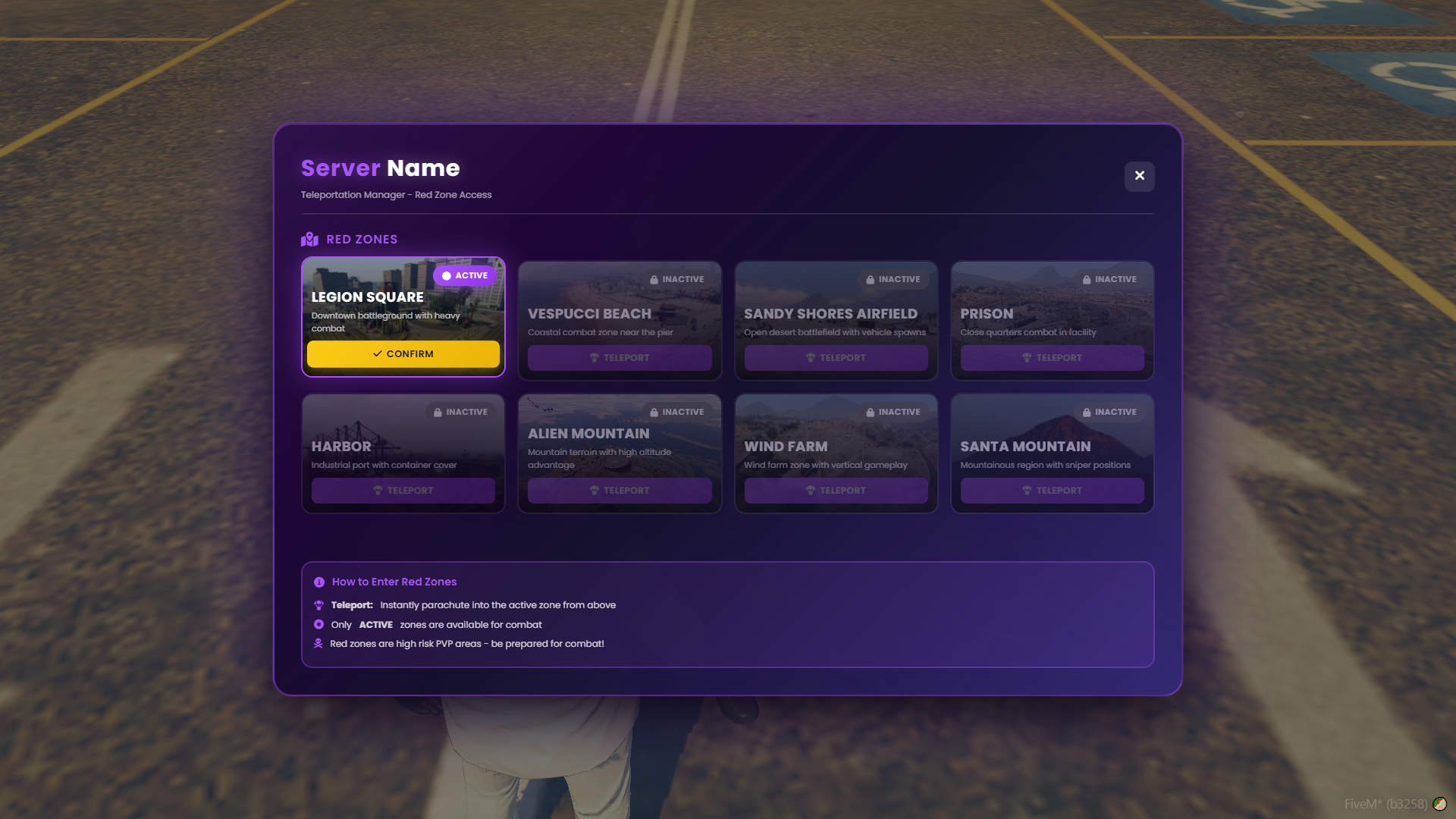
- Two-step teleport confirmation
- Responsive grid layout
⚙️ Framework Compatibility
- Standalone (works without any framework)
- QBCore compatible
- ESX compatible
- Built-in notification system
🎮 Smart Zone Management
- Visual active / inactive zone states
- Zone locking for inactive zones
- Zone-specific descriptions & images
- Configurable zone activation
- Blip radius display
🛠️ Configuration Access (CONFIG ONLY)
✔ Editable config.lua
✔ No code editing required
✔ Safe for all server owners
Configurable options include:
- Framework selection (Standalone / QBCore / ESX)
- NPC model, location, and interaction distance
- Red zone coordinates and radiuses
- Parachute drop height per zone
- Zone names, descriptions, and preview images
- Zone activation (enable / disable)
- Blip sprite, color, scale, and radius
- UI texts and labels
🔒 Core logic and UI files are fully escrow-protected.
📦 What’s Included
- RD SkyDrop resource
- Fully configurable
config.lua - NPC teleporter system
- Modern purple-themed UI
- Blip & red zone management
- 8 pre-configured red zones
🔐 Escrow Protected Resource
- Client logic protected
- Server logic protected
- UI files protected
- Configuration file editable
🎨 Customization Options
(All via config.lua)
- Add or remove red zones
- Enable / disable zones
- Adjust drop heights
- Change NPC appearance and location
- Edit zone names & descriptions
- Replace zone preview images
- Customize blips and interaction distance
- Edit UI texts
🚀 Installation
- Extract the resource
- Place it in your server resources folder
- Edit
config.luato your needs - Ensure the resource in
server.cfg - Restart the server
⏱️ Setup time: Under 10 minutes
⚠️ Important Information
- Digital product — no refunds
- Escrow protected (configuration access only)
- No reselling or redistribution
- Standalone resource
- Compatible with QBCore & ESX
- Optimized for performance
- Support available via Discord
Developed by RoxDev
Version 1.0.0 © 2025
💬 Support: Discord — nyr_x