
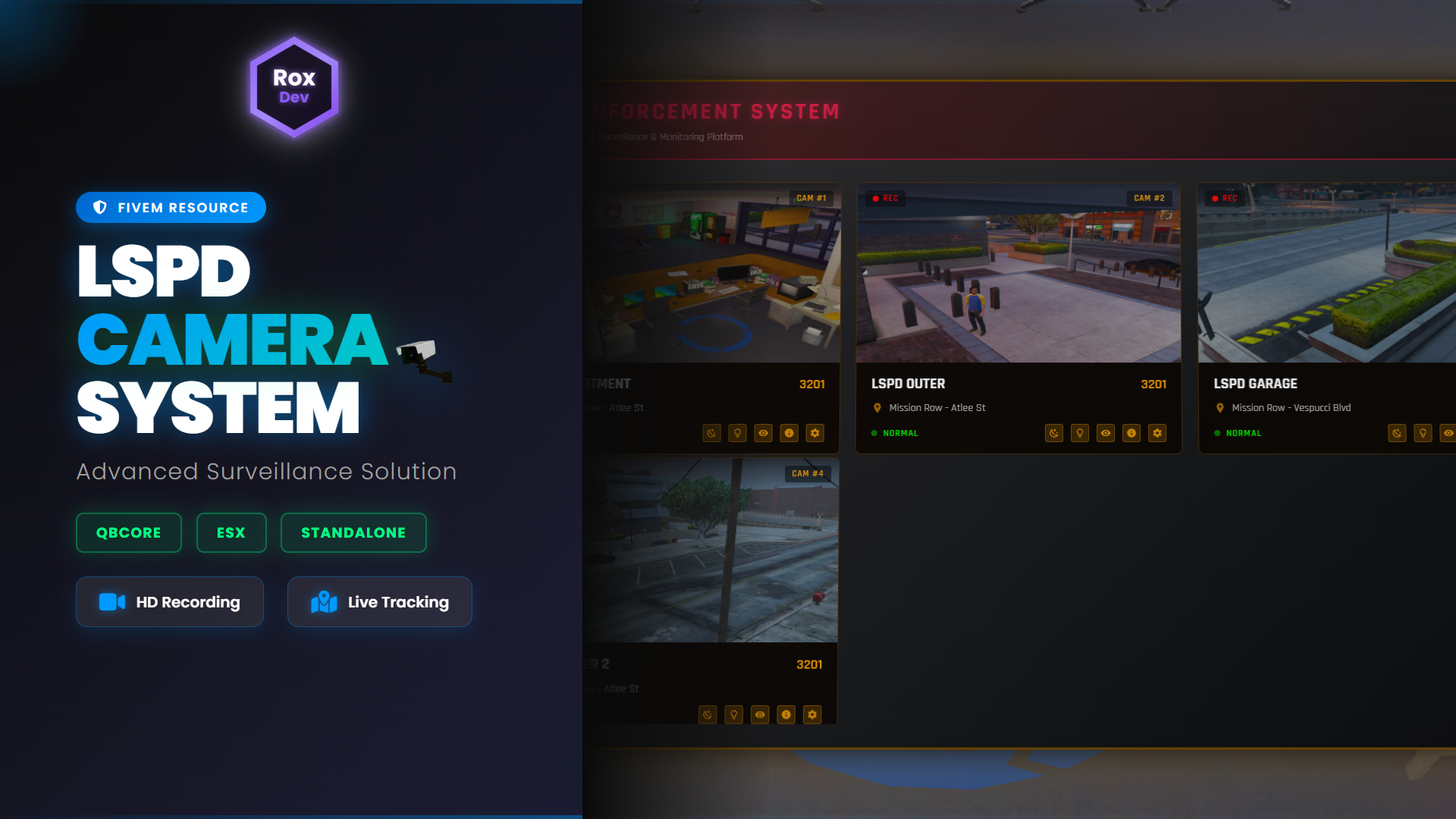
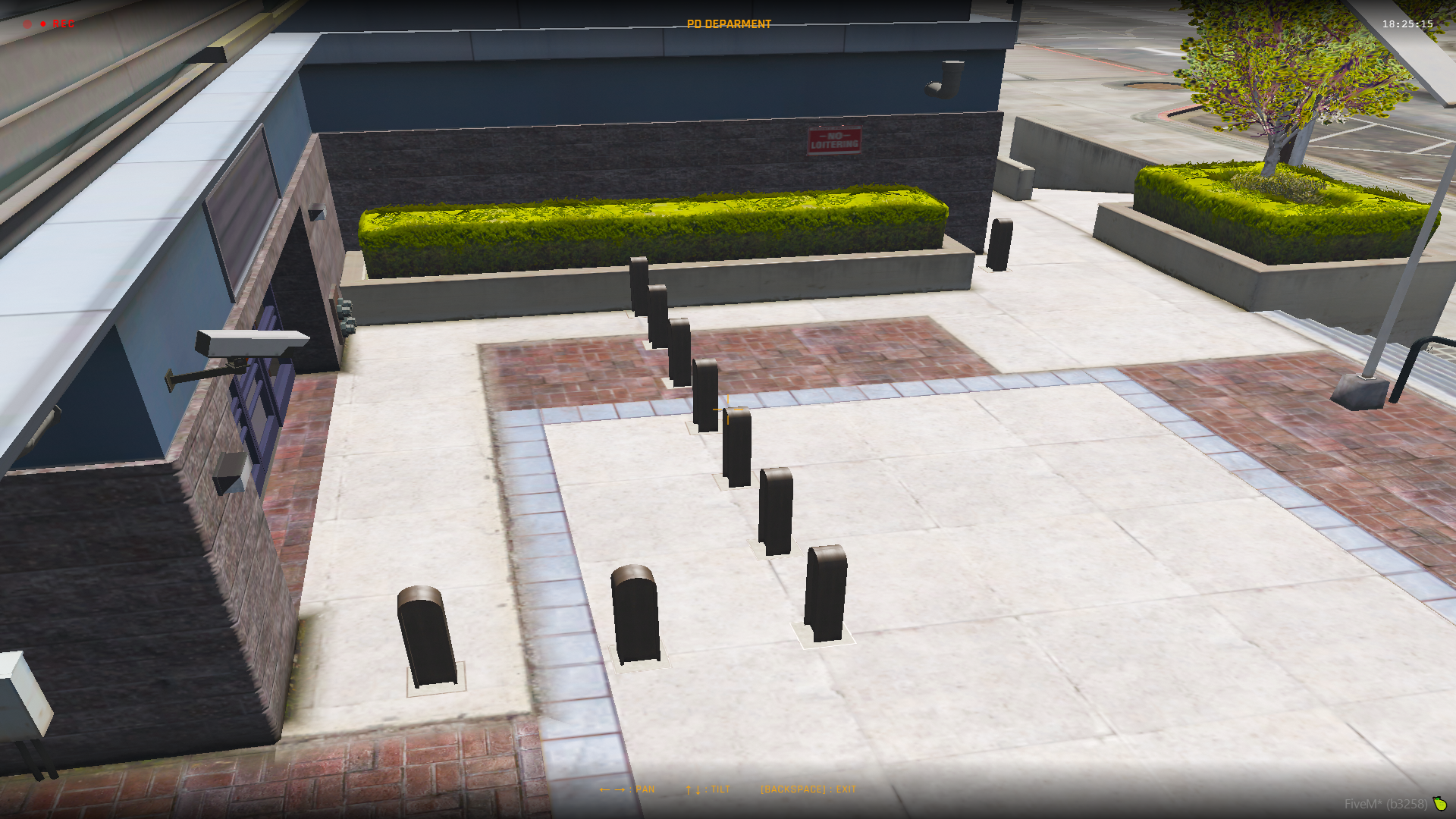
RoxCam Pro is a complete CCTV surveillance system for FiveM servers, designed for law enforcement or security setups. Place cameras around the map, monitor them in real-time, and manage your surveillance network with a modern interface.
Note: This is a fully open-source version all Lua, HTML, CSS, and JavaScript files are included and editable.
⚠️ Requirements
-
screenshot-basic: Required for live camera feeds.
Download from GitHub and ensure it is installed and started before using RoxCam Pro.
🎯 How to Use
Step 1: Initial Setup
-
Configure the resource in
config.lua. -
Execute the camera placement command defined in
Config.PlacementCommand.
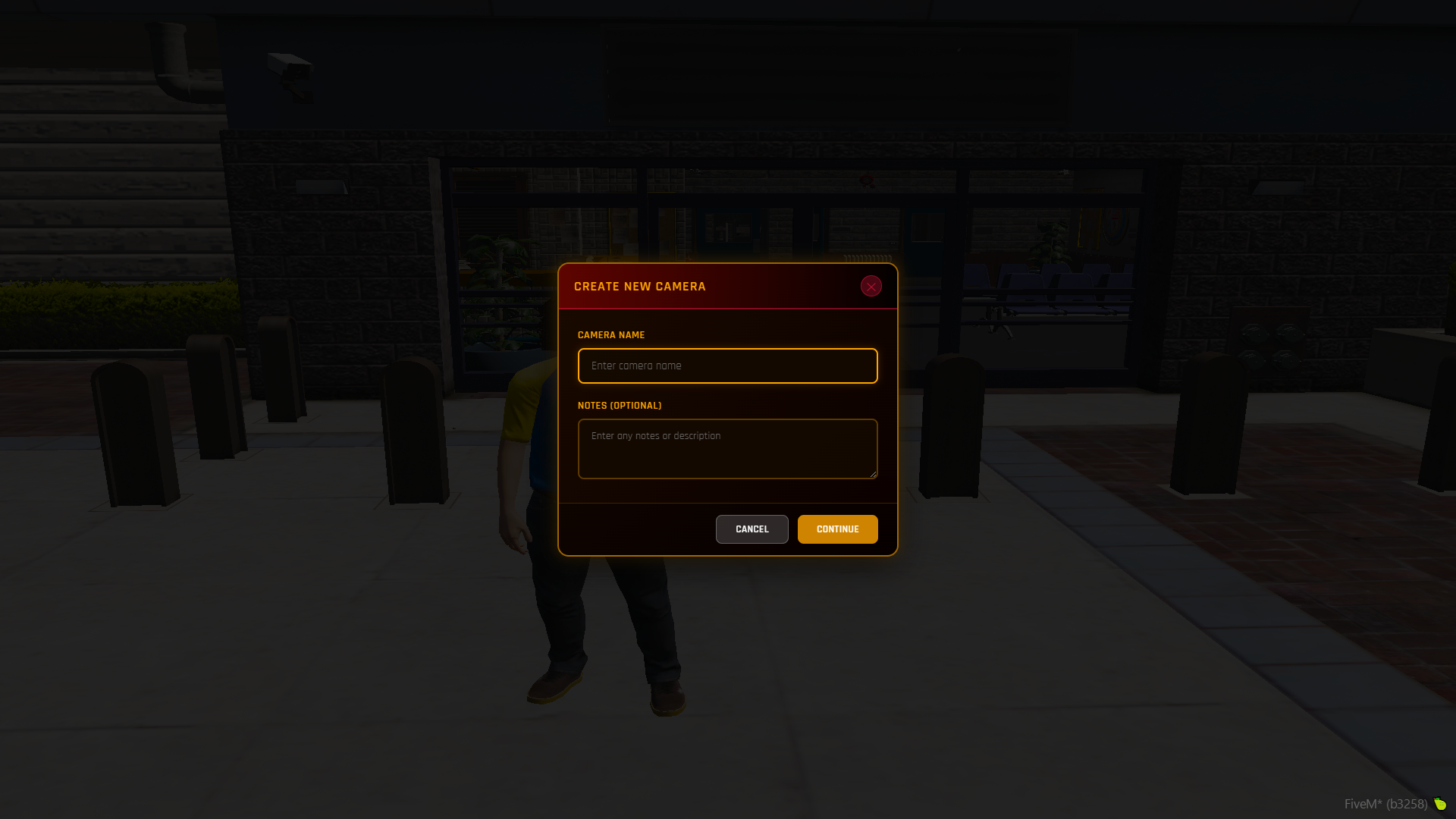
Step 2: Camera Information
-
Enter a camera name and optional notes.
-
Confirm your entries to continue.
Step 3: Camera Placement
-
After confirming, placement mode activates:
-
Movement: WASD + Z/X to move the camera
-
Rotation: Arrow keys
-
[ENTER]: Confirm placement
-
[BACKSPACE]: Cancel placement
-
Step 4: Accessing Cameras
-
Go to the monitoring station (location configured in
Config.MonitoringStation). -
Press E to access the system.
-
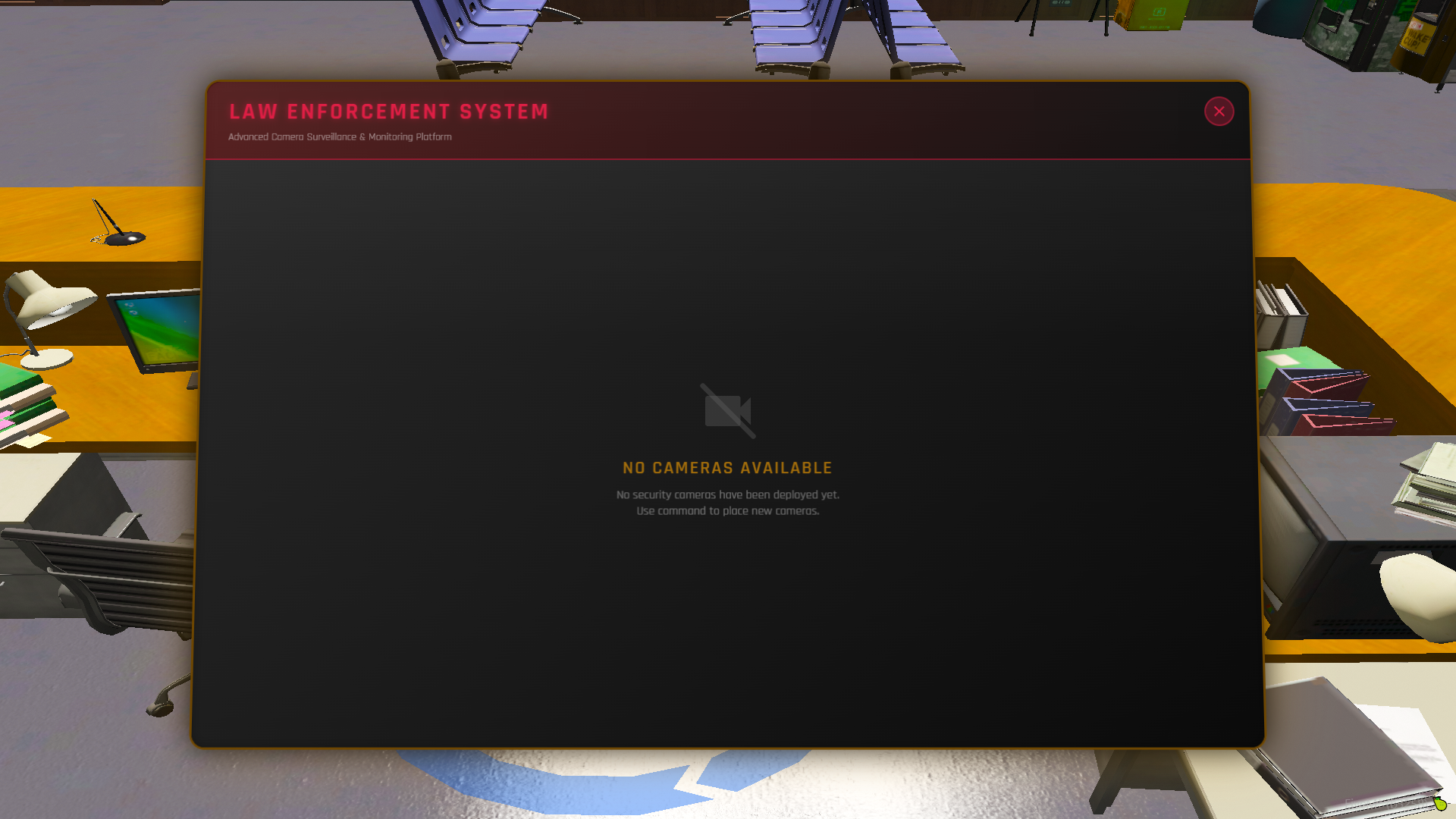
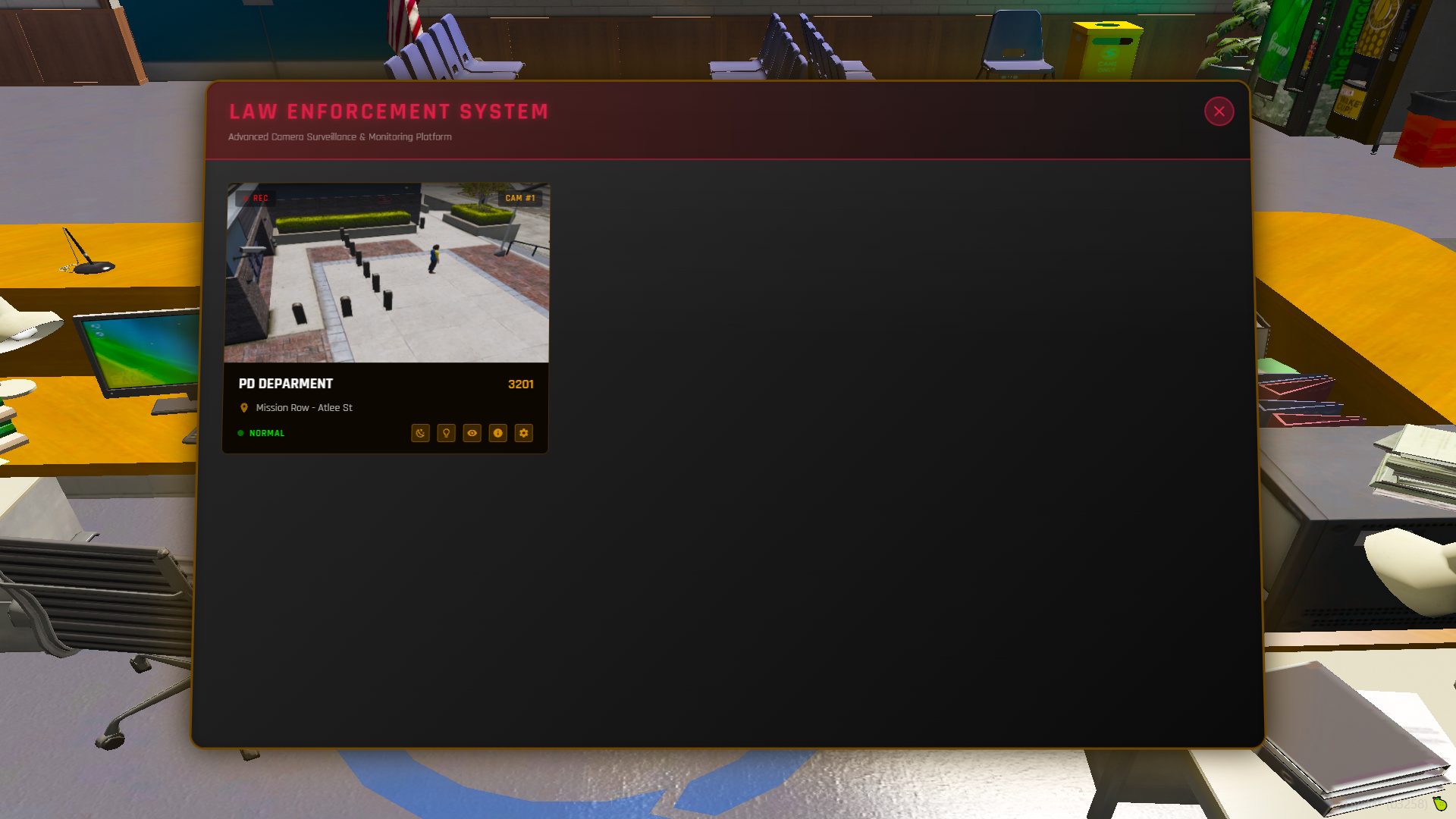
View your cameras with live feeds (verify
Config.ScreenshotWebhookif images don’t appear).
Step 5: Camera Features
From the monitoring station, you can:
-
Watch live feeds
-
Edit camera settings
-
Toggle thermal & night vision (exterior only in v1.0)
-
Delete cameras
-
View details (placement info, timestamp, notes, etc.)
📦 What You’re Getting
-
Full Source Code: Complete Lua, HTML, CSS, and JavaScript files (fully editable)
-
SQL Database File: Pre-configured for ESX/QBCore
-
Installation Guide: Step-by-step instructions (PDF)
-
Configuration Documentation: Detailed explanation of
config.lua -
Discord Webhook Setup Guide: For screenshot integration
-
All UI Assets: Images, icons, and graphics included
-
README.txt: Important configuration notes and tips
⚙️ Installation
- Extract the ZIP file and place the folder in your server’s
resourcesdirectory. - Configure your framework in
config.lua. - Ensure
screenshot-basicis installed and started. - Add
ensure roxcamto yourserver.cfg. - Start the server.
⏱ Total setup time: Under 5 minutes
⚠️ Be sure to read
README.txtfor detailed configuration instructions.
Developed by RoxDev | Version 1.0.0 | © 2025